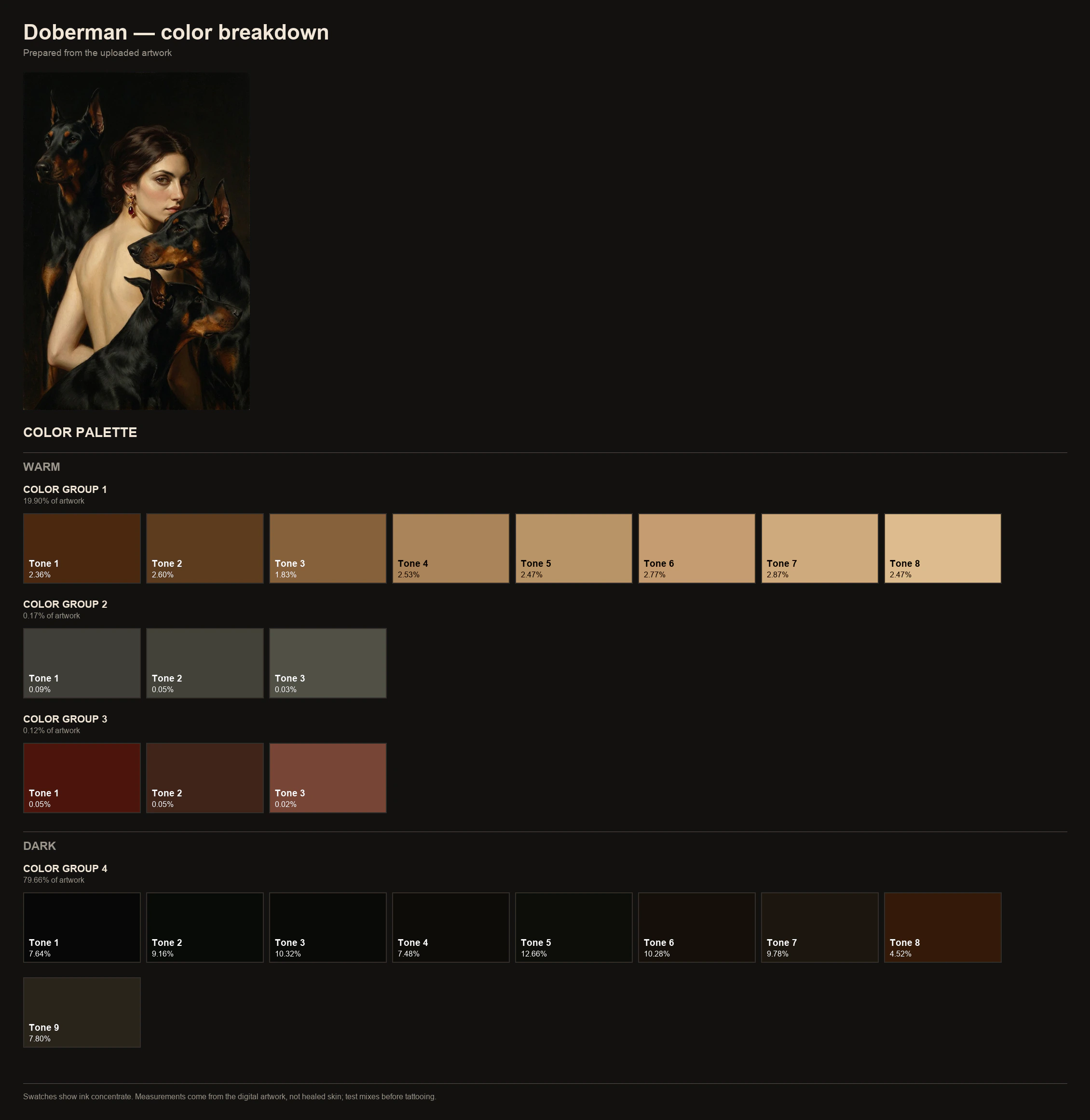
Palette breakdown
Dominant colors, tonal structure, and coverage for each color.
Stencil maker for tattoo artists
Spend less time prepping. Spend more time tattooing.
Upload the design you drew, or a clean photo or scan of it. You get a stencil, plus a palette breakdown, an ink breakdown for your ink brand, an ink map, and tone maps. Then print the stencil at the size you need, right from the package page.
Palette breakdown, ink breakdown, ink map, and tone maps: free, no account. Stencils: sign in with a code we email you, 2 free 1K stencils a day.
Design to stencil
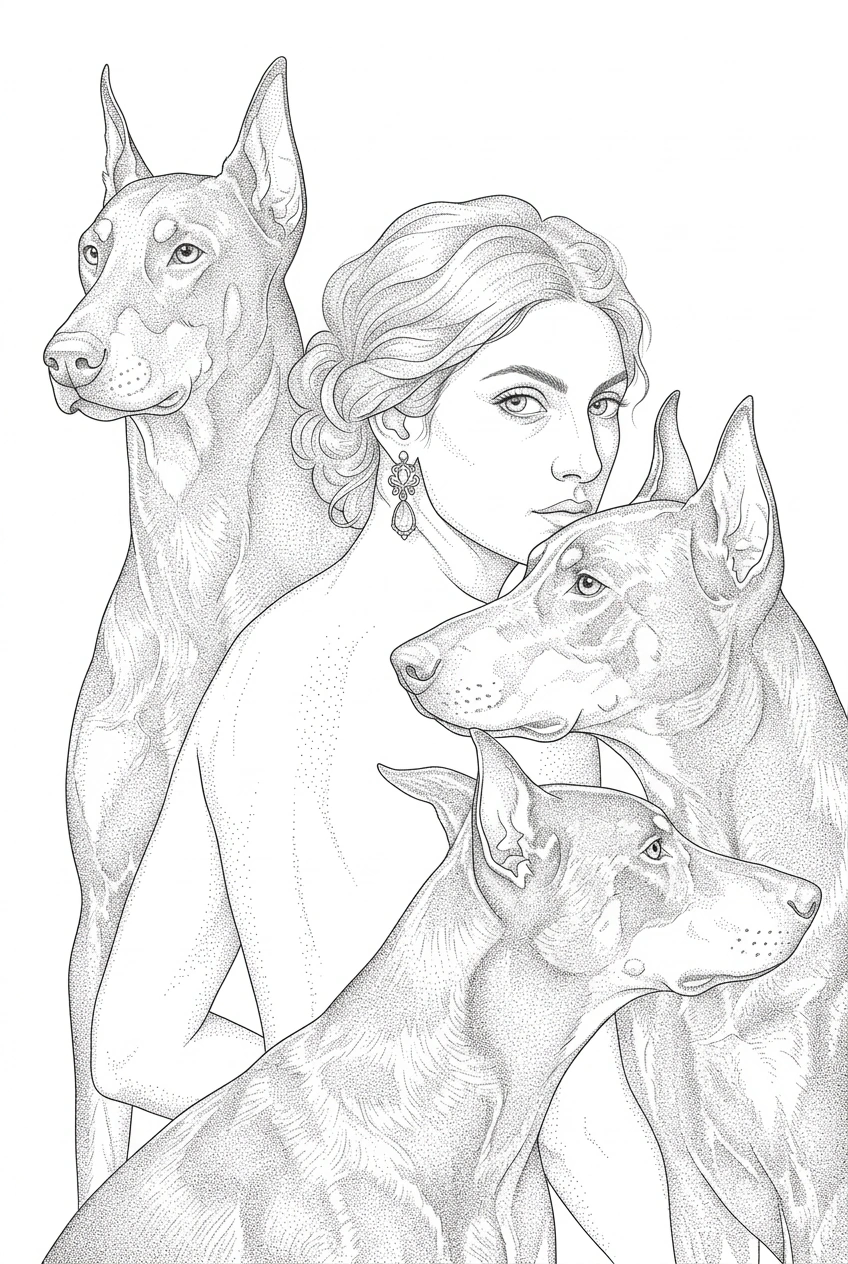
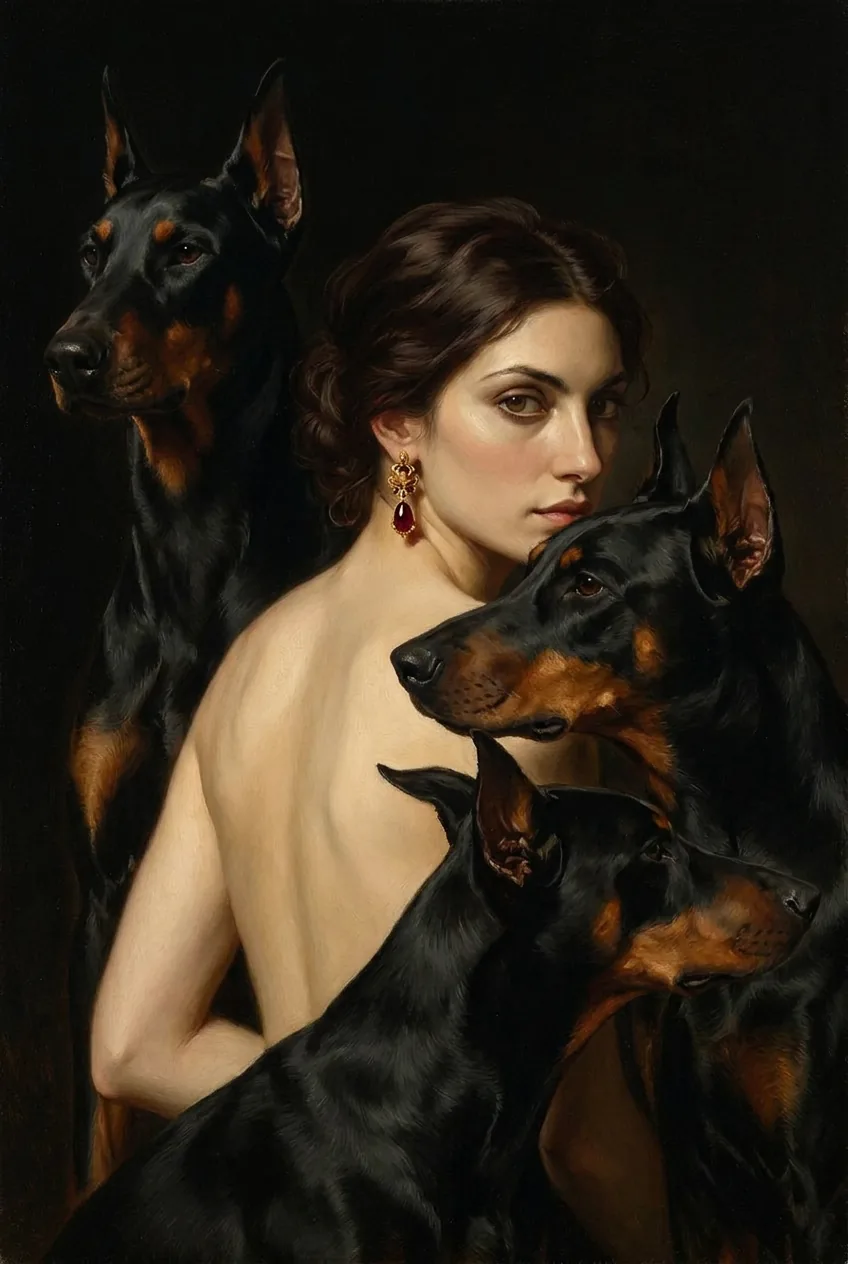
Here is how a design looks as a stencil - move the slider to compare.
How it works
PNG, JPEG, or WebP up to 25 MB. From Procreate or another drawing app, export the final art as PNG or JPEG.
Leave it on Auto to pick a mode based on the design, or set Color or Black and gray yourself. For color, pick Eternal, Intenze, Solid Ink, or World Famous.
Download the palette and ink sheets, sign in with a code we email you, and generate the stencil. Compare it with your original, then use Print to size.
What you get from one upload
Dominant colors, tonal structure, and coverage for each color.
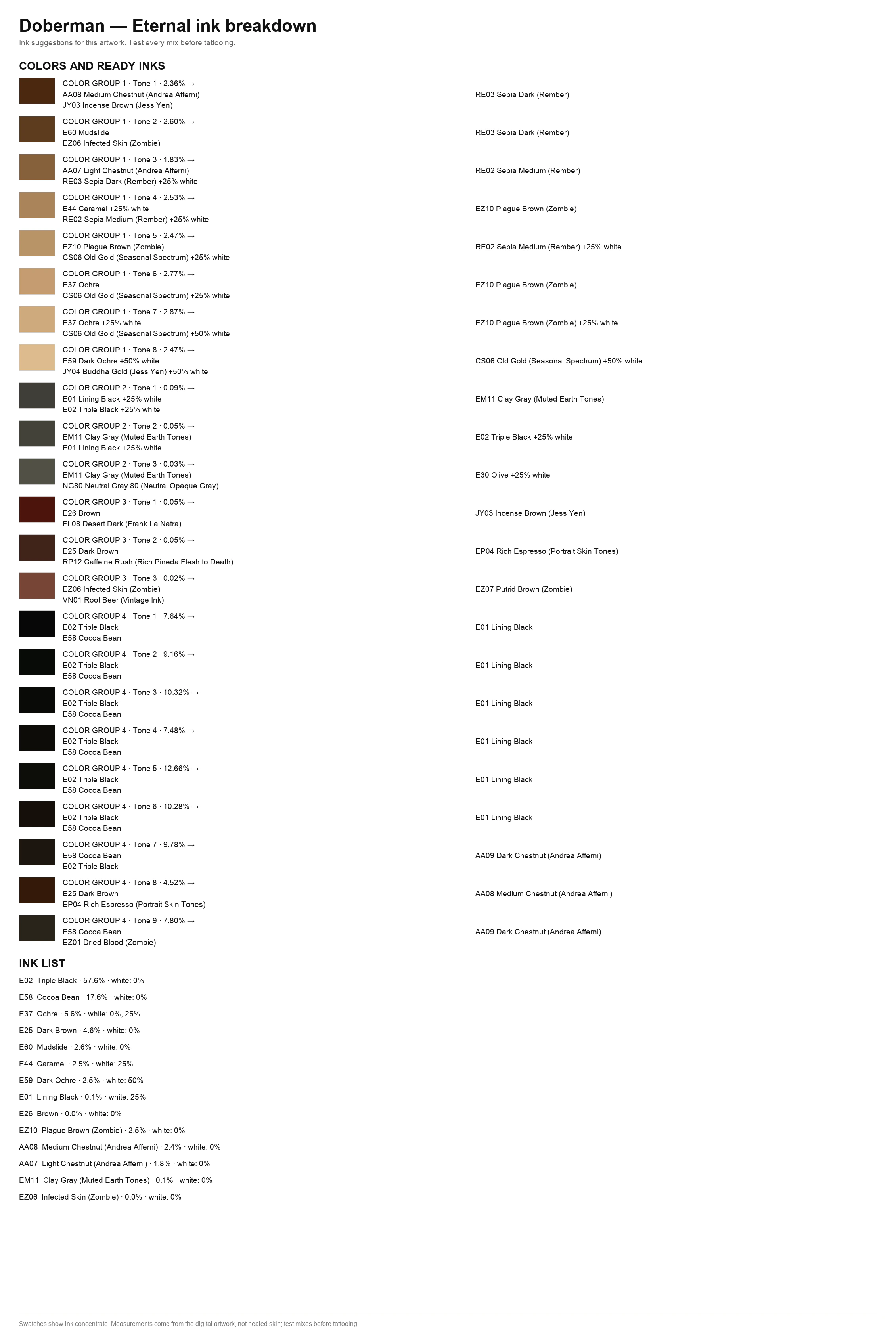
Closest mixes from your chosen brand, mapped by area.
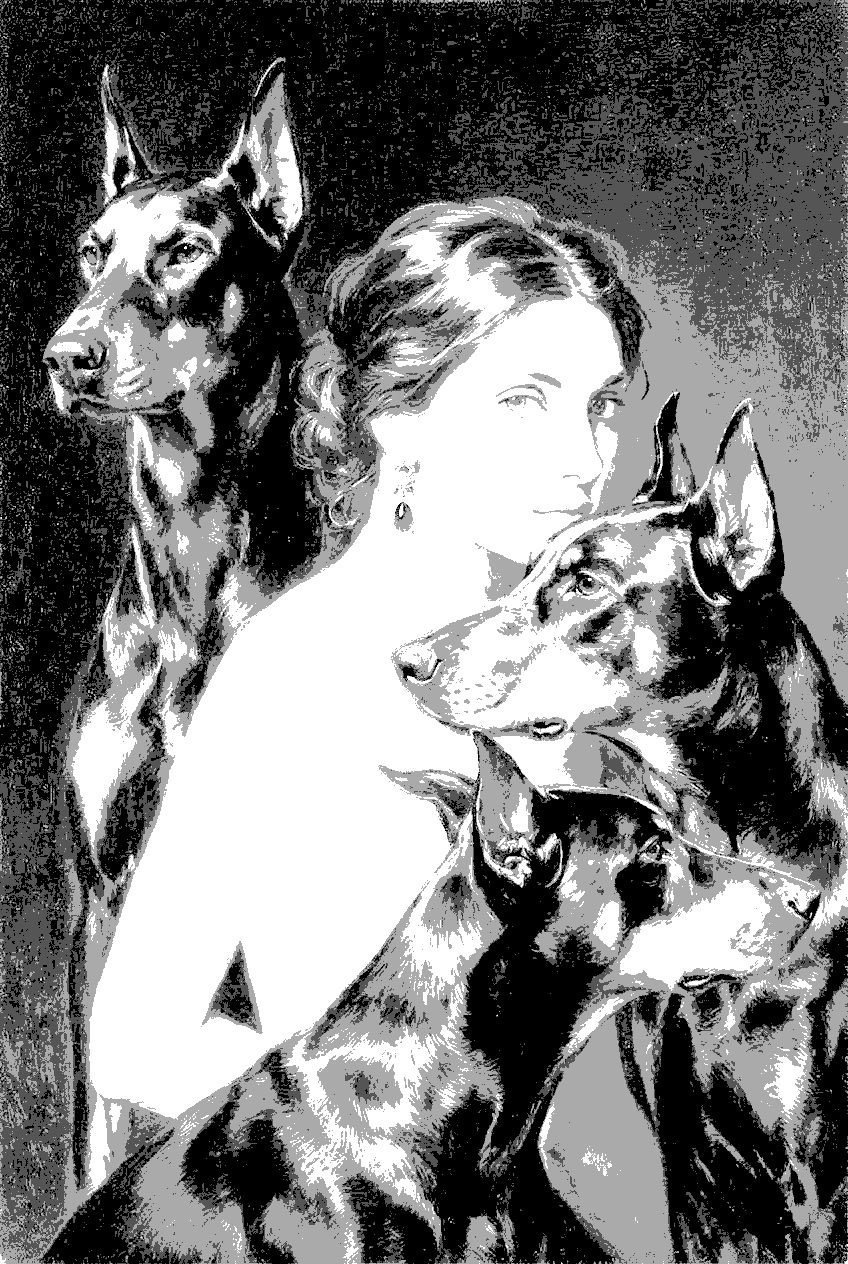
A clear light-to-dark guide for keeping values readable while you work.
Detailed or Simplified line art from your design. Compare it with your original before you transfer it.
How to make a tattoo stencilYour stencil at the size you set, on Letter, Legal, or A4, split across sheets when it is bigger than the paper.
Print at actual sizePrint to size
Print to size, under your finished stencil, opens a print studio where you set the size on the skin, pick the paper size, and see how the stencil splits across sheets.
How to print a tattoo stencil at actual sizeInk brands
Match your design to Eternal, Intenze, Solid Ink, or World Famous: 1,113 colors across the four brands. For each color in your design you get the closest ink, used straight from the bottle or cut with white. When nothing in the brand is close enough, the ink breakdown says so instead of faking a match.
How tattoo ink color matching worksShared with permission
Recent prep packs shared by the artists who created them.
Live These counters update automatically last stencil 21 minutes ago new artist joined 2 hours ago updated just now
These counters move on their own: every stencil and every new sign-up lands here within a minute. Hours saved counts one hour per stencil.
FAQ
The palette breakdown, ink breakdown, ink map, and tone maps are free with no account and no email. No card, no trial. Stencils need sign-in with a 6-digit code we email you, no password. Once signed in, you get 2 free 1K stencils a day; the count resets at midnight UTC.
2K and 4K are higher-resolution stencils. 2K costs 1 credit and 4K costs 2 credits. Credits come from promo codes only: we post them on Instagram @tattoopack.app. Enter a code on your package page or in My packages and tap Redeem. If a 2K or 4K stencil fails, the credits you spent come back.
Yes, as long as it is a PNG, JPEG, or WebP up to 25 MB. iPhone photos in HEIC are not accepted: share the photo with Options set to Most Compatible, then upload that copy. The whole image goes into the stencil frame, so crop it to the design first. Upload only images you have the right to use.
A stencil maker. Google Gemini draws the stencil from the design you upload; Tattoo Pack does not generate designs from text and is not a library of ready-made stencils. Generated lines can shift, so compare the stencil with your original before you transfer it to skin.
Open Print to size under your finished stencil. Set the width or height (or measure one part of the design), choose Letter, Legal, or A4, and print at 100% (Actual size), not Fit to page. Step by step: print a tattoo stencil at actual size.
Eternal, Intenze, Solid Ink, and World Famous: 1,113 colors in total. Besides the standard colors, the list for Eternal includes 223 colors from 20 of its series and sets. More on tattoo ink color matching.
Not the original. Your design is processed in memory to build the files you asked for, and the original upload is not stored on the server. For the stencil, we send your design to Google Gemini to draw it. Your files are available to download for 24 hours, then deleted automatically. Details are in the privacy policy.
No. The terms do not allow uploads with licensed characters or third-party logos. The stencil generator also cannot process licensed characters or brands (Disney, Marvel, anime franchises, logos) or nude and erotic images: such uploads are rejected or come out distorted. Details are in the terms.